



Create a customized Windows 7 installation
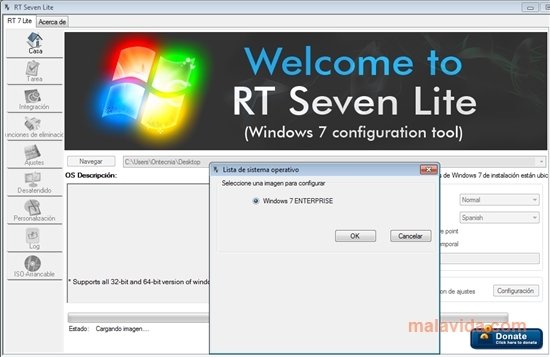
RT Seven allows you to create your own version of Windows 7. If you want to install the latest operating system by Microsoft, but you would like to specify if certain functions are installed or not, RT Seven Lite will allow you to do so. The uses offered by this tool are many: you'll be able to have an operating system that is a lot lighter, that adapts perfectly to what you are going to do with it. Without any extras or functions that slow it down.
Main features
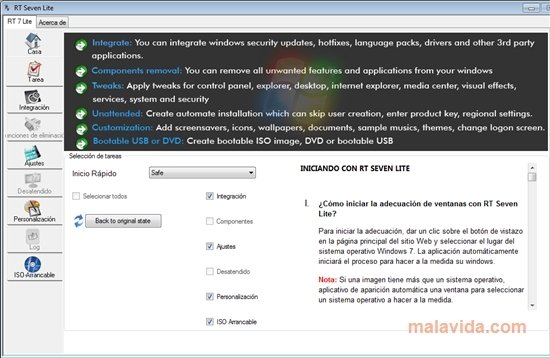
- You can integrate the installation of security updates, drivers and language packages.
- Eliminate Windows components that you aren't going to use, like certain services or applications.
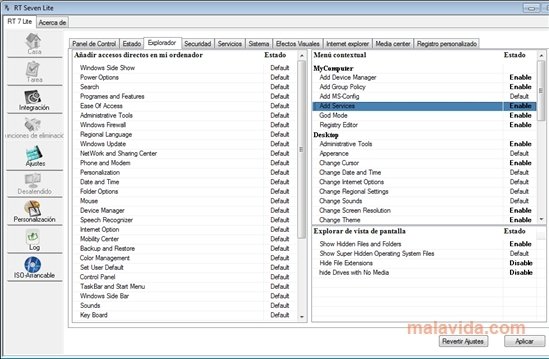
- Adjust or deactivate system services, the registry settings, establish a specific view for the control panel or change the energy configuration.
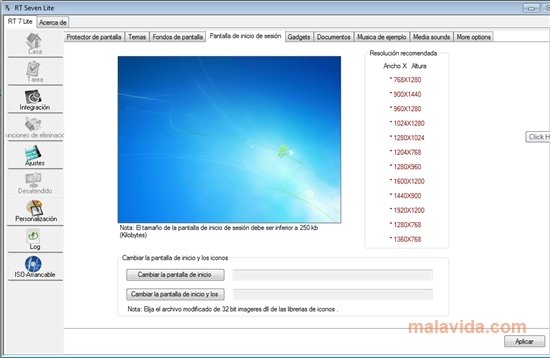
Furthermore, with RT Seven Lite you'll be able to customize the Windows startup window, include your own wallpapers, themes or music. Once you have all the characteristics decided, you will be able to create an ISO image that will be your customized Windows 7 installer.
Requirements and additional information:
- You'll need a copy of Windows 7 on DVD or an ISO image.
- Only works on Windows 7 and Vista.
 Leticia Sorivella
My name is Leticia. I really like movies, television, and music. That is why I studied Audiovisual Communication. In the beginning, I wanted to work in movies, but I ended up on television. Then, I went from being behind the cameras to being in...

Antony Peel